
12 Coloring Tips for Kids: Calm, Creative and Fun Screen Time

Coloring is one of the simplest activities you can offer a child, and a coloring game can be a relaxed part of the day when it is set up well. These tips come from watching children play Paint Pals while we built it, and from the questions parents ask us. None of them need special equipment; they work with any coloring activity, on screen or on paper. You can try them right away in Paint Pals online.
Before you start
1. Pick a calm moment
Coloring works best as a wind-down activity: after school, before a nap or during a car ride. Children who are already excited often prefer a fast mode such as Glow Doodle, while a calmer child might enjoy a slow, detailed picture.
2. Turn the sound to match the room
Pop sounds and soft music make coloring feel lively, but in a quiet house or waiting room you can lower or switch off the music in the parent area. Many children like the sounds on and the music off.
3. Choose the right mode for the age
| Child | A good first mode |
|---|---|
| Very young, still learning to tap | Glow Doodle or Free Paint with the bucket |
| Knows a few numbers | Color by Number with an animal picture |
| Confident with numbers | Pixel Art or a detailed mandala |
While they color
4. Talk about the colors
Ask "Which color is number two?" or "What else is yellow?" Naming colors out loud turns a quiet game into a small conversation without interrupting the fun.
5. Let them choose "wrong" colors
In Free Paint there are no rules. A purple lion or a rainbow whale is a good sign of imagination. Save the matching for Color by Number, where the numbers already guide them.
6. Show the light-bulb button
Small spaces can be hard to find. The light-bulb button zooms in and points to the next space of the selected color, which prevents frustration on detailed pictures.
7. Teach two-finger zoom
Older children enjoy zooming into mandalas and filling tiny shapes. Show them once how to pinch to zoom and how the reset button returns to the full picture.
8. Use swipe to fill big areas
In Color by Number and Pixel Art, swiping across the picture fills every matching space under the finger. It is satisfying for children who get tired of tapping.
After they finish
9. Celebrate the finished picture
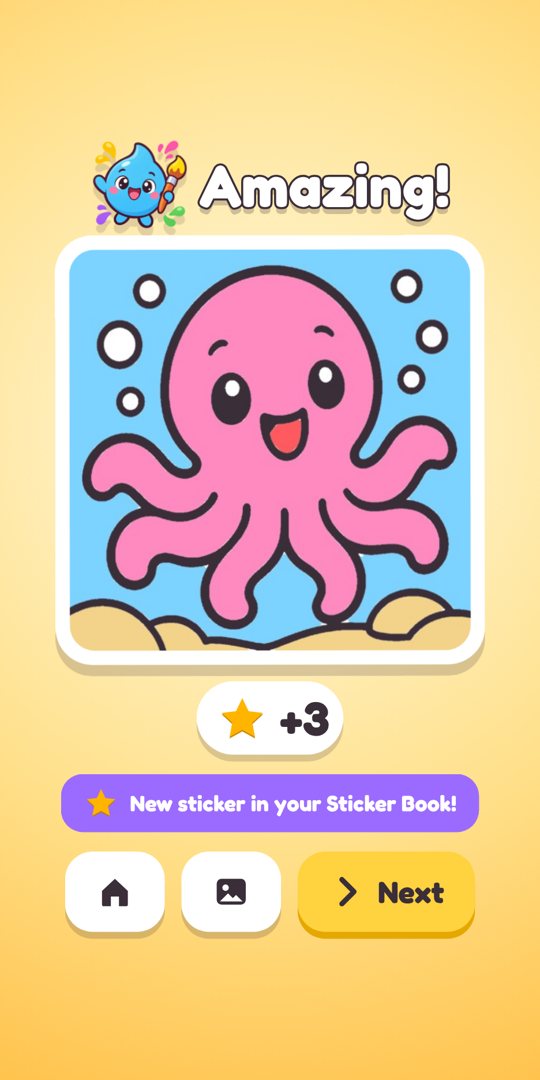
Look at the artwork together on the celebration screen. A short "I love the colors you picked" means more than any number of stars.
10. Build a small gallery habit
Every finished picture is saved in My Gallery. Looking back through it at the end of the week is a lovely way to talk about favorite pictures and see progress.
11. Mix screen and paper
If your child loves a picture, ask them to draw their own version on paper afterwards. Digital coloring can be the spark for real crayons.
12. Set a gentle finish line
Instead of a strict timer, agree on a number of pictures: "Two pictures, then dinner." Pictures have a natural end with a celebration, so stopping feels like completing something rather than being interrupted.
A word on balance
We do not make health or brain-training claims about Paint Pals. What we can say is that coloring is a calm, creative activity many children enjoy, and that it is easy to enjoy in short sessions. As with any screen time, you know your child best, and a mix of digital play, paper, outdoor time and family time is a good rhythm for most families.
Frequently asked questions
Does my child need to read to play? No. The game uses icons, colors and numbers. A short tutorial bubble appears the first time each mode is opened, which a grown-up can read aloud.
Can my child play without internet? The Android app from Google Play works offline. The browser version needs a connection to load.
Where do the finished pictures go? Into My Gallery inside the game. In the Android app, a parent can save a picture to the device's photos.
Want to understand how the numbered mode works in detail? Read our Color by Number guide.