
Gem Garden Boosters Explained: When to Use Undo, Hammer and Refresh
Gem Garden has three boosters: Undo, Hammer and Refresh. Used at the right moment, each one can turn a lost level into a win or keep a Classic run alive. Used carelessly, they disappear without making much difference.
Here is what each booster does and how to get the most out of it.
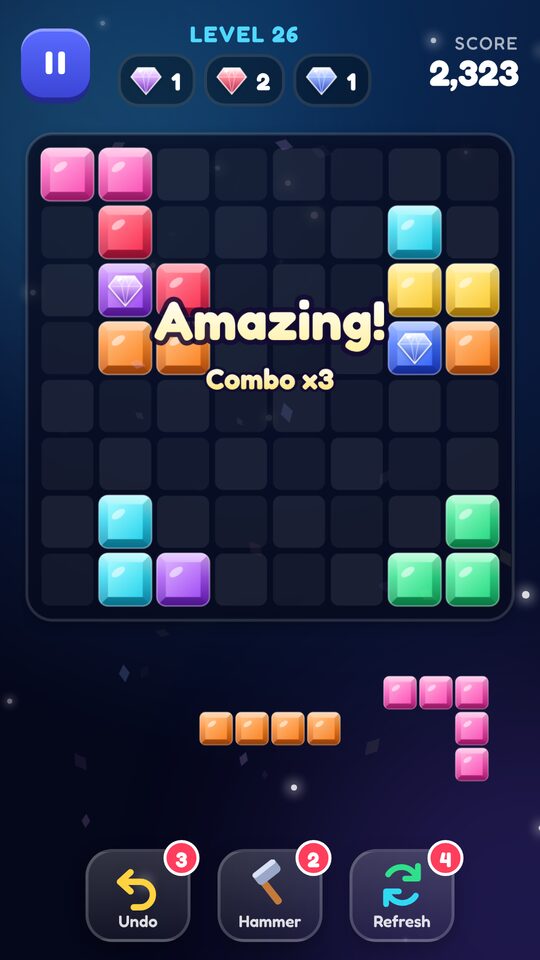
Undo
What it does: takes back your last move. The piece returns to your tray, the board goes back to how it was, and your score and goals are restored.
Best moments to use it:
- you dropped a piece one cell off from where you meant to,
- you realize a move left a hole that ruins a row or column,
- you placed pieces in the wrong order and now the third one does not fit.
When not to use it: to "test" moves. It is faster and cheaper to hover a piece over the board and use the line preview first.
Hammer
What it does: removes a single block of your choice. On an ice block, one hit breaks one layer of ice. If the block contains a gem, the gem counts toward your goal.
Best moments to use it:
- one block is preventing a row and a column from both clearing,
- the last gem or ice block of a level is in a hard-to-reach place,
- a single block is blocking the only 3x3 space on the board.
When not to use it: on a random block early in a level. The Hammer is most powerful when one block is the key to a big clear.
Tip: after tapping the Hammer, the button glows. If you change your mind, tap it again to cancel.
Refresh
What it does: replaces the unused pieces in your tray with new ones that are more likely to fit.
Best moments to use it:
- your tray has two or three big pieces and the board is getting crowded,
- none of your pieces fit — Refresh is often enough to continue,
- you need small pieces to finish a nearly complete line.
When not to use it: when you could still place the pieces with a little planning. Look carefully at the board first.
Getting more boosters
You start with a few of each booster, and you can earn more by:
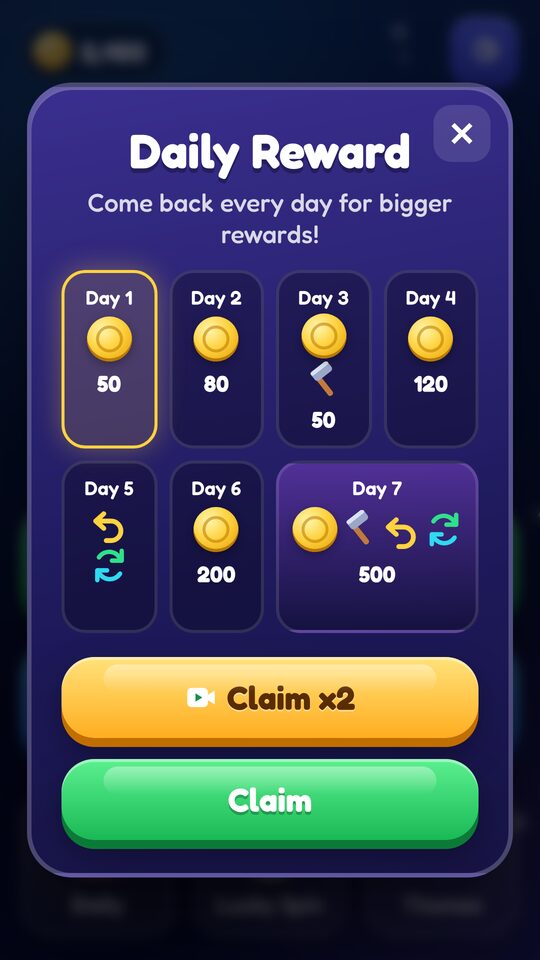
- claiming daily rewards (some days include boosters),
- spinning the Lucky Spin,
- opening bonus chests every five levels,
- watching an optional short video when you run out,
- buying them with the coins you earn from levels.
Booster strategy by situation
| Situation | Best booster |
|---|---|
| A misplaced piece | Undo |
| One block stops a big clear | Hammer |
| Last gem or ice block is stuck | Hammer |
| The tray is full of big pieces | Refresh |
| No piece fits at all | Refresh first, then Hammer |
Do not hoard them
Many players save boosters "for later" and never use them. Because you earn new boosters every day, using one to win a level is almost always worth it. A won level gives coins, stars and progress; an unused booster gives nothing.
Practice makes perfect
Try using each booster deliberately in a few levels, and you will quickly learn its power. You can play Gem Garden online, and if you are working on a tough level, our Hard levels guide shows when boosters make the biggest difference.
Frequently asked questions
Can I use boosters in Classic mode? Yes. Undo, Hammer and Refresh are available in both Adventure and Classic mode.
Does the Hammer collect gems? Yes. If you smash a block that contains a gem, the gem counts toward your level goal.
What happens if I tap the Hammer by mistake? Tap the Hammer button again to cancel. It is only used when you actually smash a block.
What is the fastest way to earn boosters? Claim your daily reward every day, use your free Lucky Spin, and open the bonus chest every five levels.