
The Best Types of Brain Games for Seniors (and How to Choose)
More and more older adults play games on phones and tablets, and puzzle games are among the most popular choices. They are calm, they can be played in short sessions, and they give the mind something enjoyable to work on.
But not every game is comfortable to play. Small text, fast timers and confusing menus can turn a relaxing hobby into a frustrating one. This guide explains what to look for and which types of games are a great fit.
This is general information. Games are a hobby, not a medical treatment.
What makes a game senior-friendly?
Clear, large visuals
Look for big pieces, high contrast colors and readable numbers. Many puzzle games now offer "large print" versions designed specifically for easier reading.
No time pressure
Games without a countdown let you think at your own pace. Block puzzles, sudoku and solitaire are good examples.
Simple controls
Drag-and-drop or single taps are easiest. Avoid games that require fast swipes or precise timing.
Short sessions
A level that takes two or three minutes is easy to fit into the day and easy to stop at any time.
Easy to pause and resume
The best games save automatically, so you can close the app and continue later without losing progress.
Fair ads
Free games are usually supported by ads. Choose games where ads appear between levels rather than in the middle of play, and where watching a video for a bonus is always optional.
Types of brain games worth trying
Block puzzles
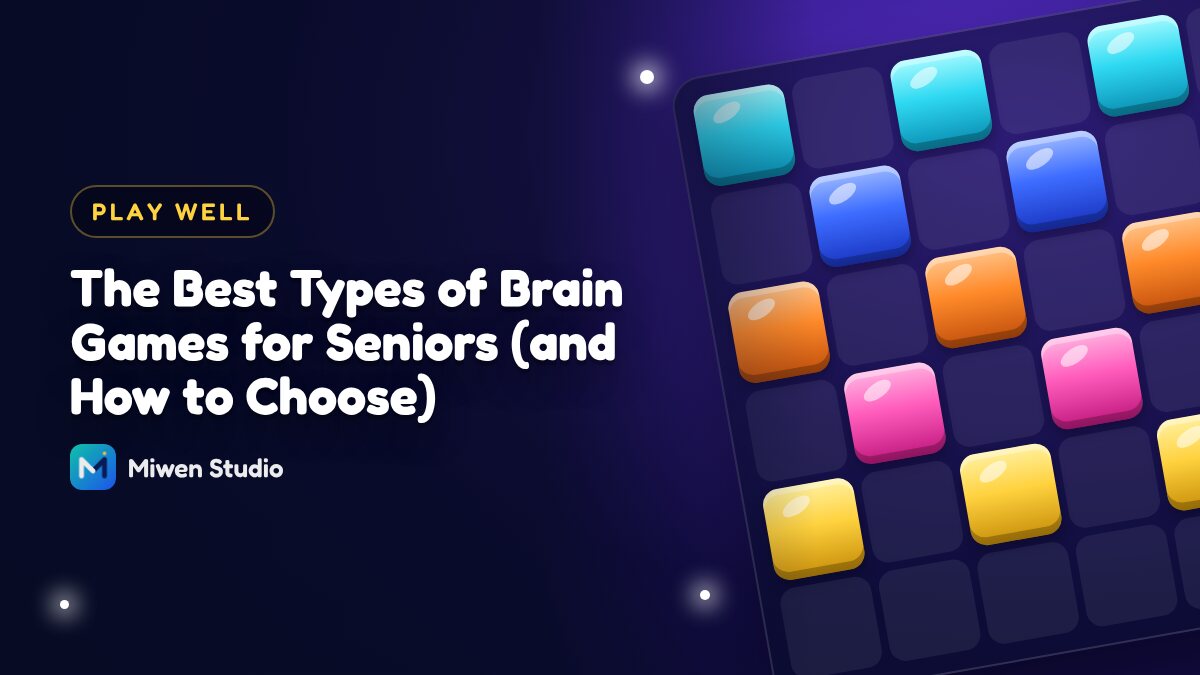
Drag shapes onto a grid and fill rows or columns to clear them. They are easy to learn, have no timer and reward planning. They are a great starting point for anyone new to mobile games. Our beginner’s guide explains the rules step by step.
Sudoku
A classic number puzzle based on logic, not math. Large-print versions with big numbers and helpful note-taking features are widely available.
Word search and crosswords
Excellent for vocabulary and attention. Word searches are relaxing; crosswords add more challenge.
Solitaire and card games
Familiar rules make them comfortable. Many people enjoy the same games they played with real cards years ago.
Jigsaw puzzles
Digital jigsaws let you choose the number of pieces, so you can start easy and work up.
Matching and memory games
Short rounds of matching pairs or tiles are fun and work well on larger screens like tablets.
Tips for getting started
- Use a tablet if possible. A bigger screen makes every game more comfortable.
- Increase text size in the device settings; some games follow it.
- Turn up the brightness and play in good light.
- Start with one game and learn it well before trying another.
- Turn off sounds if you prefer quiet — most games have a simple switch in Settings.
- Play with family. Grandchildren are often happy to show you how a game works, and playing together is half the fun.
Staying safe and comfortable
- Take a short break every 20–30 minutes to rest your eyes.
- Be careful with in-app purchases. On Android, you can require a password for purchases in the Google Play settings.
- Only install games from the official Google Play Store.
- If an ad offers a prize or asks for personal information, close it.
Our approach
At Miwen Studio we design our games to be comfortable for every age: large colorful blocks, no timers, short levels, automatic saving and optional rewarded videos. Gem Garden can be played free in your browser or on Android.
The best brain game is simply the one you enjoy and want to come back to. Try a few genres, keep the ones that make you smile, and play at your own pace.